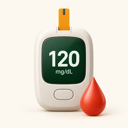
128mg/dL
⌗Capture a reading
Enter a number yourself or scan a meter display. Check the suggested value before saving it.
 GlucoLog
A LOOK INSIDE GLUCOLOG
From a single reading to a week of patterns, the journal keeps the details readable and close at hand.
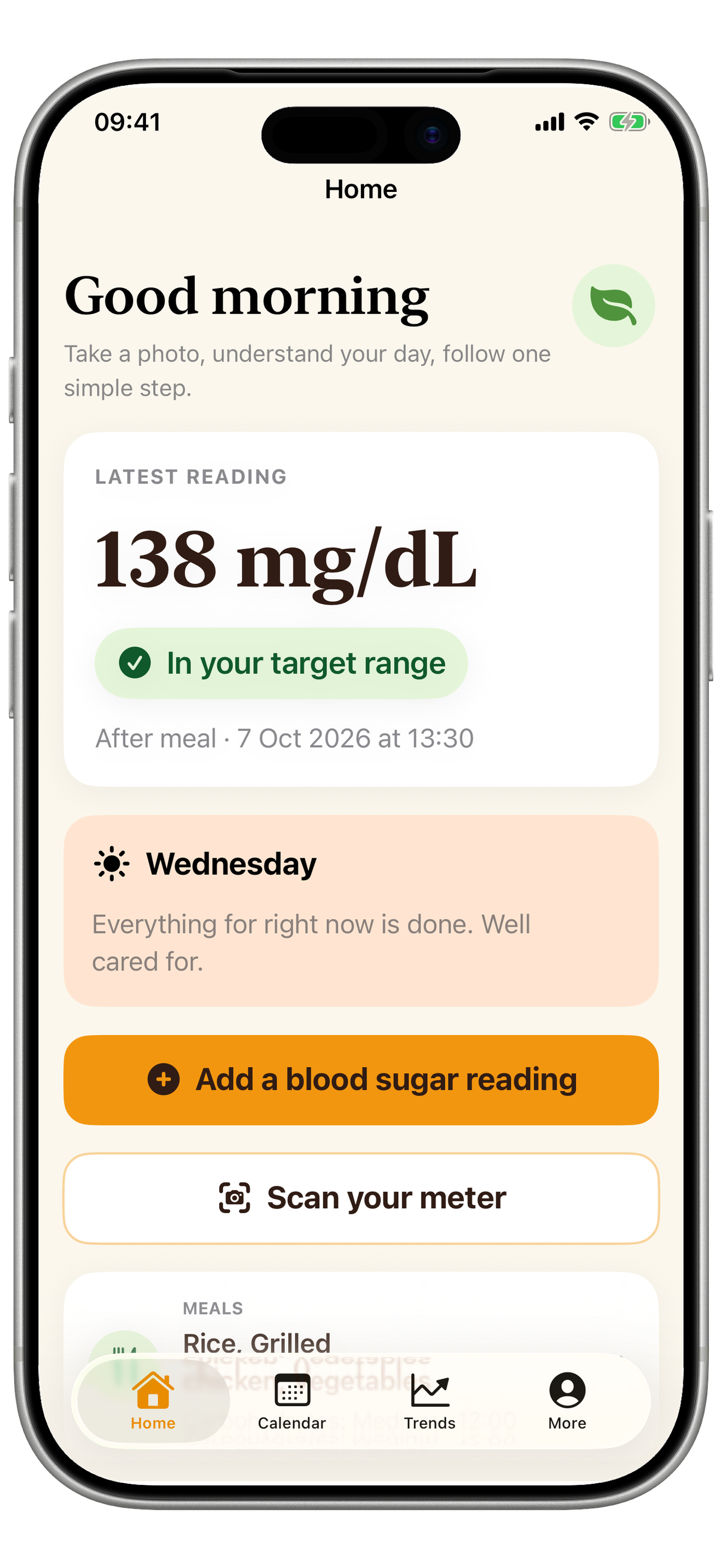
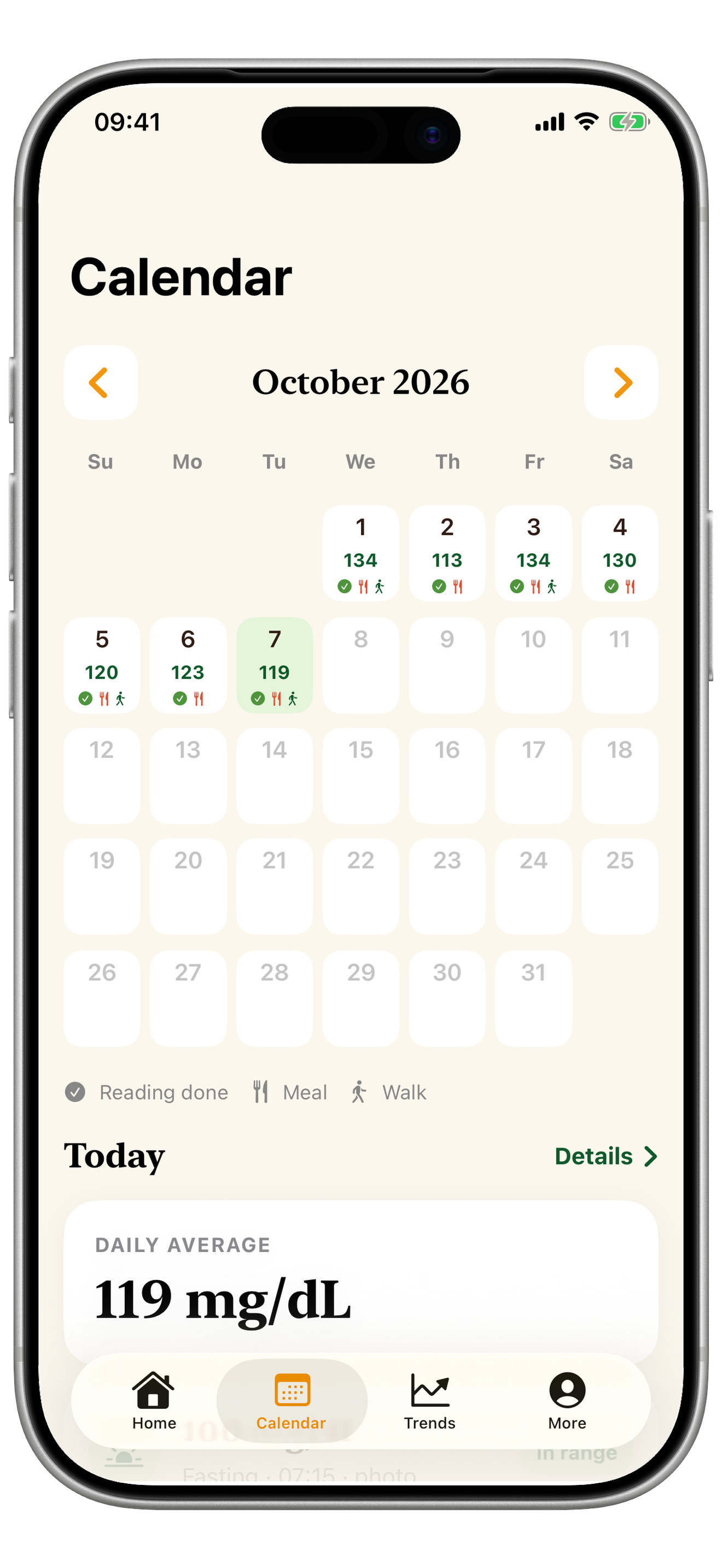
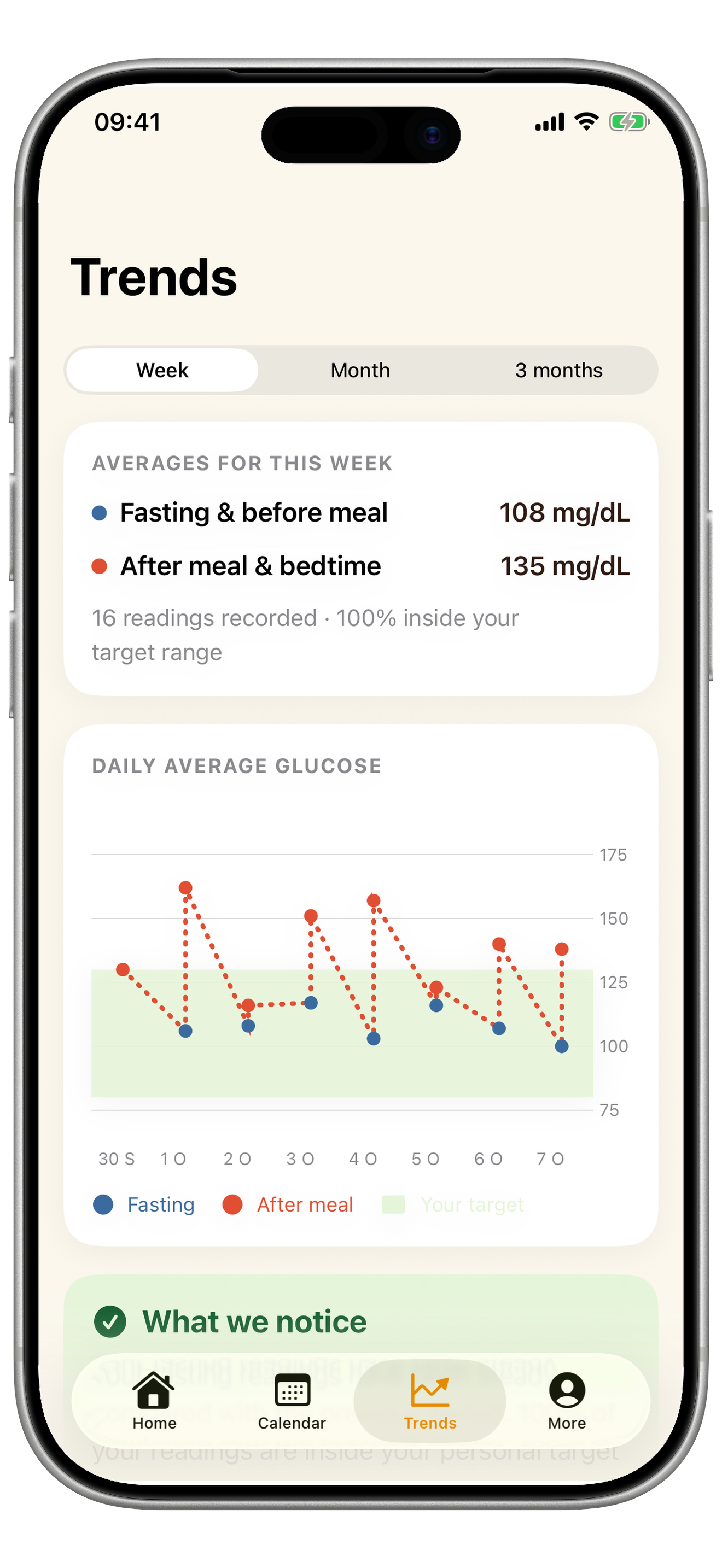
Screens show illustrative sample data for preview purposes.
A WIDER VIEW
Review weekly, monthly and three-month summaries on iPad. Bring a clear personal record to your next care conversation.
IPAD · TRENDS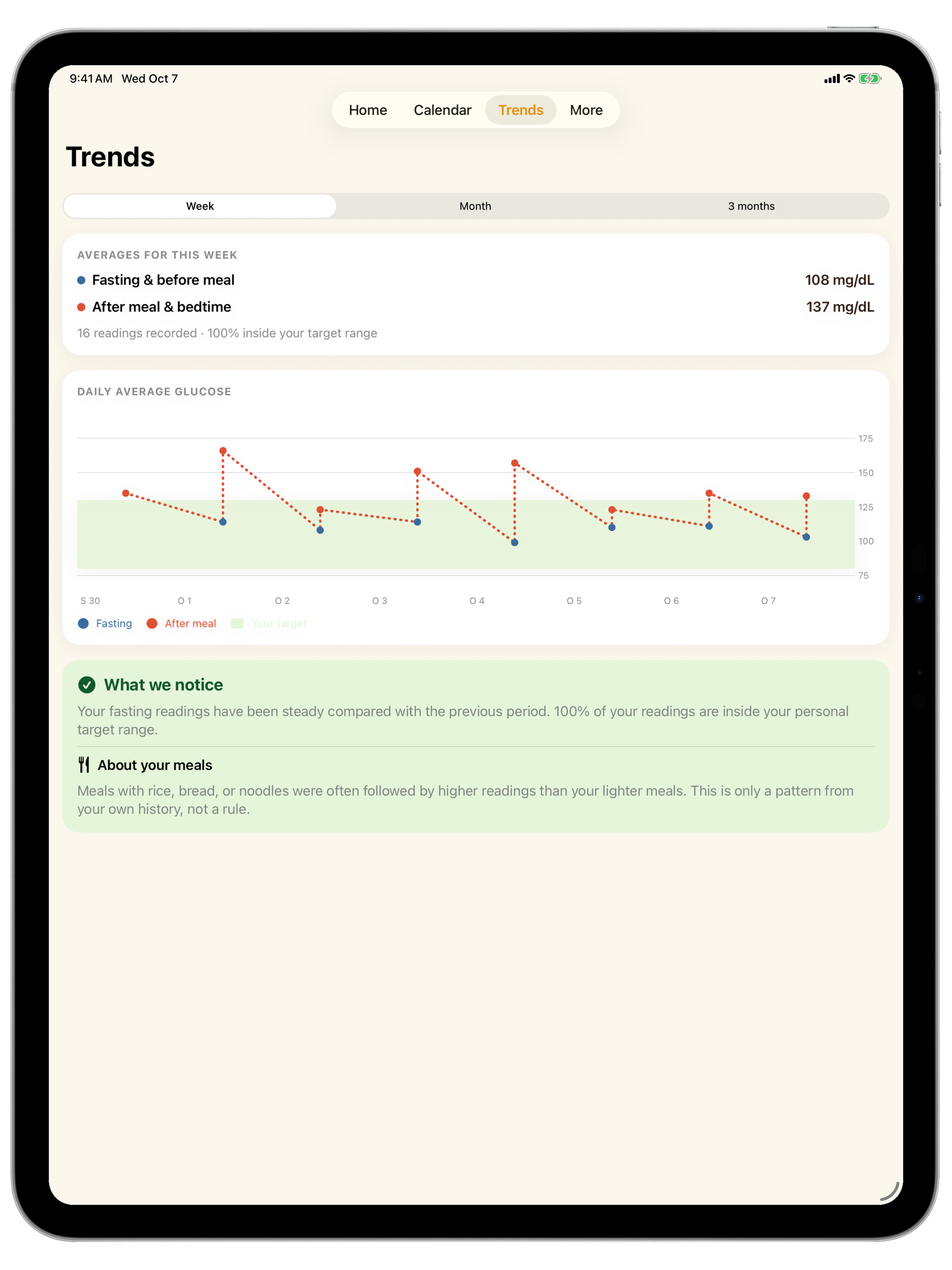
YOUR DAILY HEALTH JOURNAL
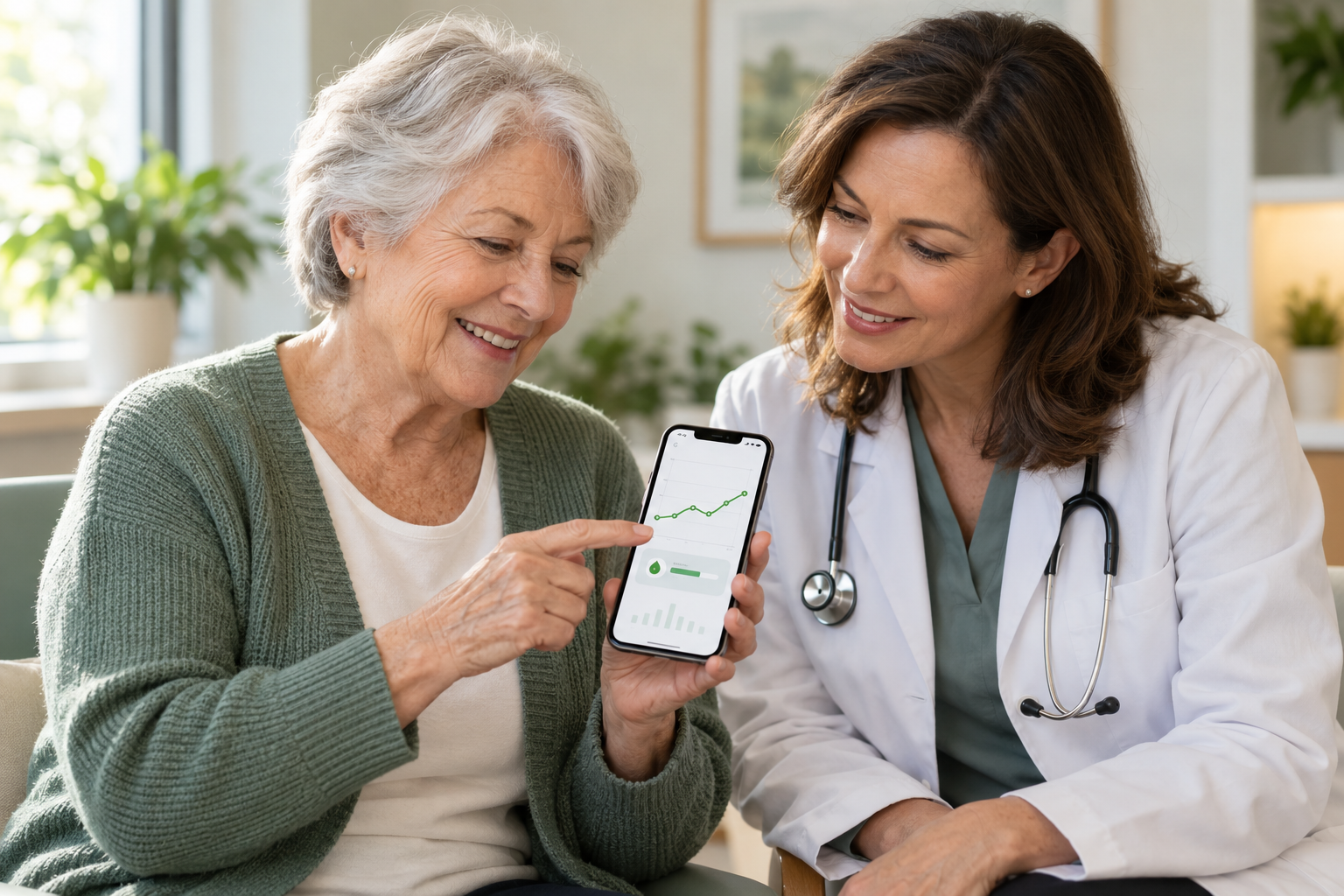
Keep blood sugar readings, meal notes and everyday patterns in one thoughtful place. GlucoLog helps make the daily details easier to see.
A SIMPLE DAILY RHYTHM
Build a useful record in a few calm steps. You choose what to log and when.
Enter a number yourself or scan a meter display. Check the suggested value before saving it.
Record foods, activity and notes beside readings to keep the surrounding context together.
Use the calendar and trend views to review your own history and prepare for a care visit.
THOUGHTFUL BY DESIGN
A journal should help you notice what matters to you. GlucoLog keeps the everyday tools close and the language grounded.
Read our privacy approach ↗Browse daily entries in a calendar, then review weekly, monthly or three-month trends.
Set, snooze or turn off local reminders whenever your routine changes.
Add written or voice notes, then export a CSV log or a restorable backup when you choose.
Meter scanning suggests a number for you to review. It never saves a reading without your confirmation.
PRIVATE BY DEFAULT
Health entries are stored locally in the app. Meter text recognition runs on your device; voice transcription is requested only when Apple’s on-device recognition is available. GlucoLog does not send your journal to its own server.
Read the Privacy PolicyYou can export a file yourself. A file you share may be handled by the app or service you choose.

A STEADIER WAY TO KEEP TRACK
Readings are one part of the story. Keep the notes and patterns that help you understand your own day.
Back to the top ↑